REA: an open-source MCP server that puts reverse-engineering tools behind your coding agent
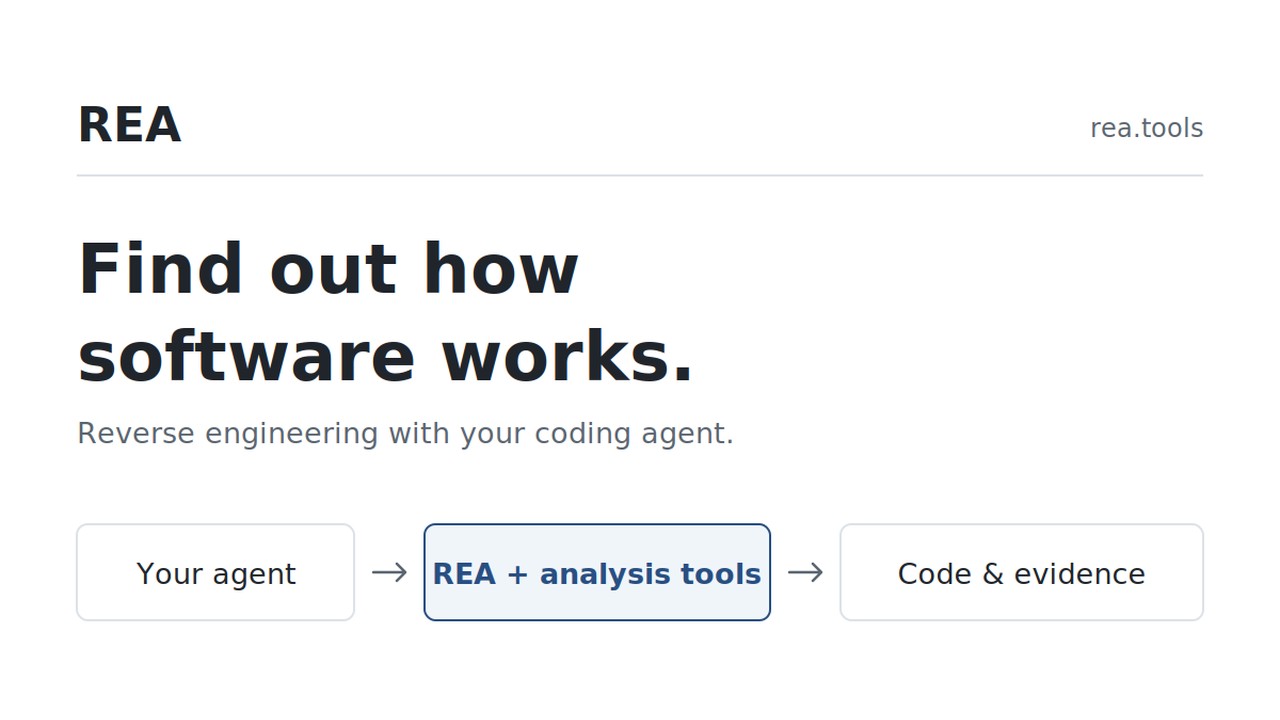
Anyone who has tried to make a Chinese-made sensor, gateway or instrument talk to their own software knows the wall: the device works, but there is no public API, no protocol document and no source code. The behaviour is observable; the implementation is not. REA — short for Reverse Engineer Anything — is an open-source project that attacks that gap by giving an ordinary coding agent the same instruments a security analyst would otherwise open by hand.
What REA is
REA is not a decompiler and it is not a model. It is plumbing. It is an MCP (Model Context Protocol) server and a matching command-line tool, released under the MIT licence, written in TypeScript and published on npm as rea-agents. Its job is to sit between your coding agent and the suite of established analysis tools — Ghidra, Hopper, IDA, JADX, Binwalk and a few others — and translate the agent's requests into the right tool for the target.
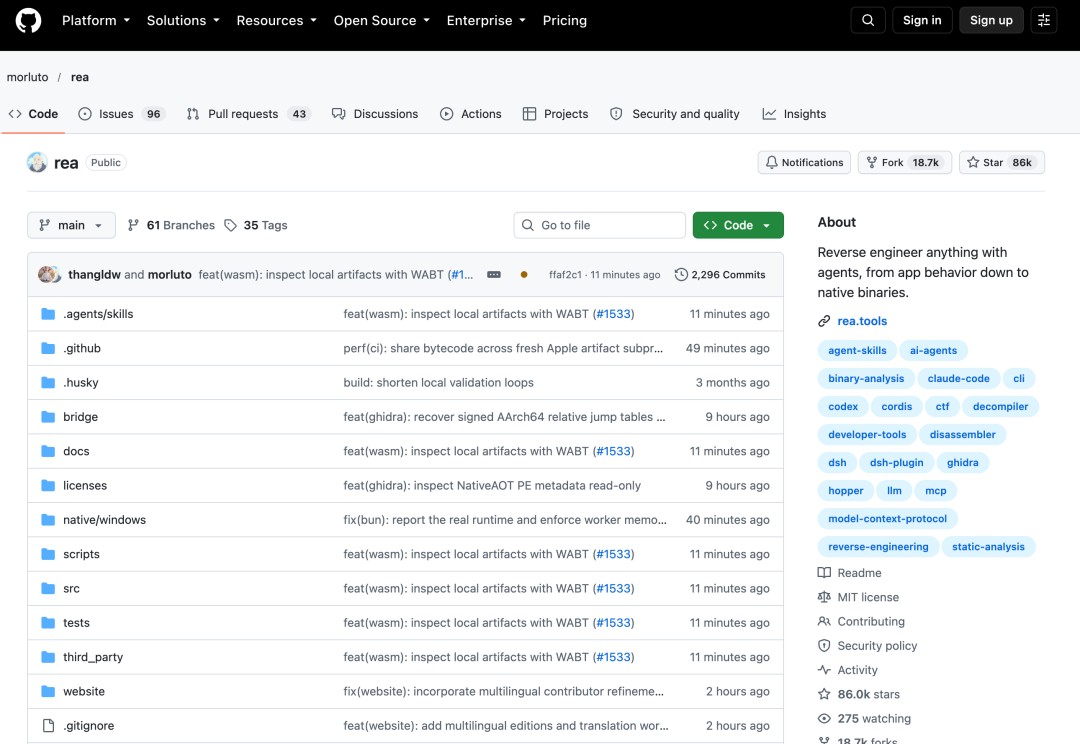
Installation is a single command, run with Node.js and npm already present:
npx rea-agents setup
Setup registers the MCP server together with a matching workflow instruction file, backs up your existing configuration first, and then asks you to restart the agent. The project lists support for Claude Code, Codex, Cursor, Gemini CLI, Grok Build and, in principle, any agent that speaks local MCP servers. The same workflows are also reachable from a plain terminal, so nothing here forces you to use an agent at all.
How a session works
The loop is deliberately short: decompile, understand, recreate. You point the agent at a local file or app directory and ask a question in ordinary language — understand how this feature works, show the evidence, then build something equivalent. REA inspects and traces the target, returns structured findings, and — this is the part that matters — attaches the evidence behind each conclusion, naming the command that ran and the file it produced.
The agent uses that material to ask follow-up questions, explain the behaviour, or write and test an implementation. Because every claim carries its provenance, a finding can be checked rather than trusted. That is the difference between an analysis and a confident paragraph.
What it can analyze
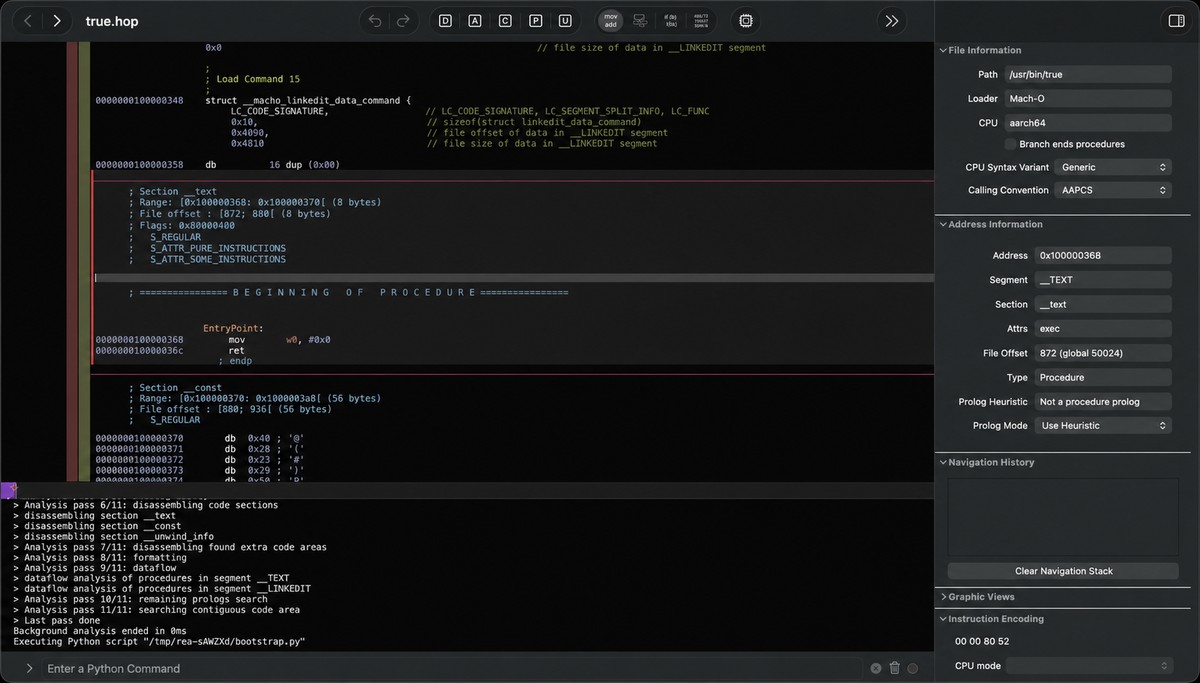
The target list is unusually wide for a single tool. The rows below are the ones most relevant to embedded and integration work; the project documents several more, including offline ELF layout, Android devices over adb, JEB projects, Apktool resources, package inventories and process behaviour.
| Target | What REA returns | What it needs |
|---|---|---|
| Native binaries | Pseudocode, assembly, strings, symbols, calls and references | Hopper, Ghidra or IDA installed |
| JavaScript / Electron apps | Modules, imports, source maps, routes, IPC and native add-on relationships | Node.js and npm, static |
| .NET assemblies | Metadata, CIL instructions and declared native dependencies | None, static only |
| Android APKs | Manifest declarations, classes, decompiled methods, references | Headless JADX and a JDK |
| Websites | Page structure, scripts, network observations, screenshots | A Chrome-family browser |
| Firmware | Regions, extraction results and handoffs into native analysis | Binwalk or Unblob on Linux |
| Go binaries | Embedded compiler version, modules and build settings | Built in, no Go install |
| WASM and EVM bytecode | Validation, exact import/export forms; selectors and byte offsets | WABT, or a local carrier |
| Saved network captures | Requests, responses, exposed payloads and source locations | A HAR file, or mitmdump on Linux |
| Recorded Linux crashes | Registers, signals and mapping candidates per thread | pwntools on Linux x64 |
One design choice is worth underlining. Static inspection of JavaScript and .NET reads the supplied files without running them, and firmware work extracts regions and files before handing them onward. Only the runtime-capture features actually execute the target, and those run with your own user permissions.
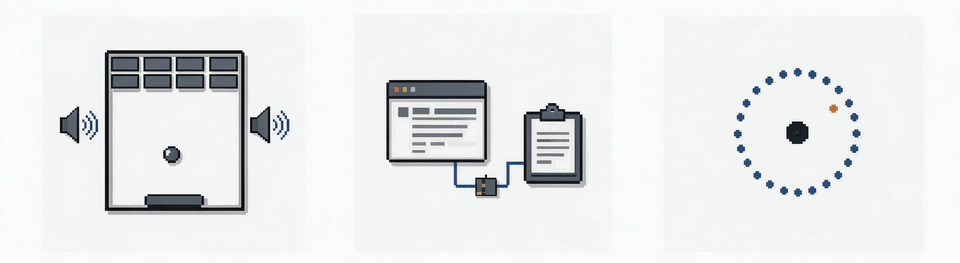
The three showcase cases
The project ships three worked examples, and they are more revealing than any feature list. In the first, an agent follows a sound call into its position-to-pan helper inside the classic game DX-Ball, inspects the instructions and turns incomplete pseudocode into C — a reconstruction that passes 3,205 original x86 cases and reproduces all 63 compiled function bytes. The second traces the clipboard bridge in Notion, following the Electron renderer's clipboard API through its preload script and IPC into the main process. The third recovers a bullet-ring calculation from a 16-bit PC-98 game, TH04, and compares the reconstructed C++ against the historical compiler output.
Read together, the pattern is the same each time: a human-scale question, an agent-driven trace, and a result that can be verified against a known-good target.
Why this matters for device work
For an integrator, the interesting rows are firmware and the mobile companion apps. If you already own a device but have no vendor SDK, REA can lift regions and a filesystem out of a firmware image with Binwalk or Unblob and hand the interesting binaries to Ghidra — a far shorter path than starting from a hex dump. The same is true of the older industrial case: a closed-source host application or a companion phone app that speaks to your equipment over a private protocol can be inspected to recover how that protocol is framed, instead of being reverse-engineered by hand, one function at a time.
The supply-chain framing is just as useful. Mapping the module boundaries, IPC channels and native add-ons of an Electron desktop client, or statically auditing an Android APK for its manifest and call graph, is exactly the kind of inspection that used to require a specialist with days to spare.
How it compares
| Approach | What you get | Where it falls short |
|---|---|---|
| REA plus a coding agent | An agent-driven trace across binaries, apps, .NET, APKs and firmware, with evidence attached | Needs an agent, and for native work an installed RE tool |
| Ghidra or IDA by hand | Total control, no AI in the loop | Function-by-function drudgery; a steep, slow path |
| A bare decompiler | Pseudocode for one binary | No tracing, no evidence trail, no cross-format reach |
| Asking a model to guess | Fast and free of setup | No access to your actual binary, and no evidence |
The honest caveats
- Authorization is on you. The project ships as a research tool and states that users must obtain the necessary authorisation and follow local law. Recovering how a device you own talks is one thing; lifting a competitor's closed-source feature is another, and that line does not move because the tooling got easier.
- Local analysis, but not necessarily local data. REA runs its analysis on your machine, yet the findings are returned to your agent, and your agent's model provider applies its own data policy. If a binary is sensitive, that is a decision to make deliberately.
- Depth depends on your engine and your model. Results are only as good as the Hopper, Ghidra or IDA installation behind the native path, and obfuscated code still needs a human in the loop.
- You may already need the expensive tools. Deep native analysis drives Hopper, Ghidra or IDA. Setup can install Hopper with your approval, and Ghidra and IDA use the copies you already have — but there is no magic native engine hidden inside the package.
- It is moving fast. The project changes quickly and releases regularly, so pin a version for anything repeatable and expect the interface to shift. Star counts, for their part, move by the hour; treat any figure as a snapshot.
Practical notes
- Start with the static paths. JavaScript, .NET and website analysis need no native engine, so they are the cheapest way to learn the workflow before you install a disassembler.
- Requirements are specific. REA needs Node.js 22.x (22.19 or newer), 24.x (24.11 or newer) or 26 and above, plus npm; firmware work wants Binwalk or Unblob on Linux.
- The terminal is a first-class path.
npm install --global rea-agentsgives you thereacommand, andnpx -y rea-agents@latest analyze-javascript-application /path/to/app --jsonreturns machine-readable results without an agent at all. - Keep it current.
rea updaterefreshes a global install, and the setup command is re-run to refresh an agent registration — worth doing before reporting a bug. - Verify, do not trust. The whole value of the evidence chain is that a finding names its command and its output file. Use that, especially when the conclusion is convenient.
- Check the licence you are working under. REA is MIT, but the target software you point it at is not, and its terms still apply.
IOTTourChina covers open-source IoT and developer tooling from the China-made hardware ecosystem as part of its developer resource. This is editorial coverage, not an endorsement or an advertisement; specifications, requirements and licence terms should be confirmed with the project before you rely on them.