Violoop: a plug-in AI operator that reads your screen and waits for your keypress
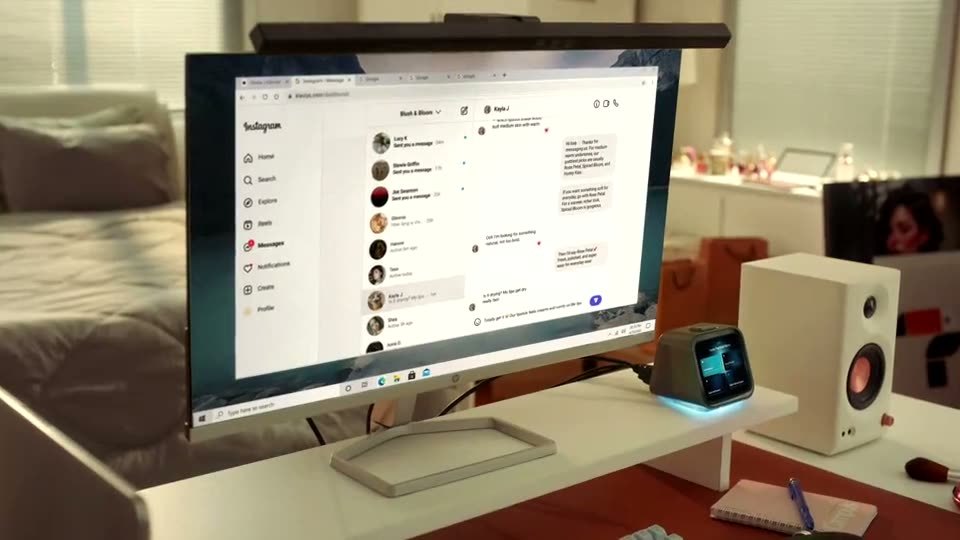
A small box sits between your computer and your monitor and watches the screen. When it thinks it knows what you are about to do, it prepares the step and then stops, waiting for you to press a key. That is the whole idea behind Violoop, a plug-in device from a Shenzhen startup that turned a laptop into an agent without touching the operating system, the drivers or the applications.
It is a genuinely different answer to the problem every desktop assistant runs into. Software agents need either an API or permission; a screen and a keyboard need neither. The trade-off is that the device has to be a computer in its own right, with its own silicon, and it has to earn your trust one keypress at a time.
What it is
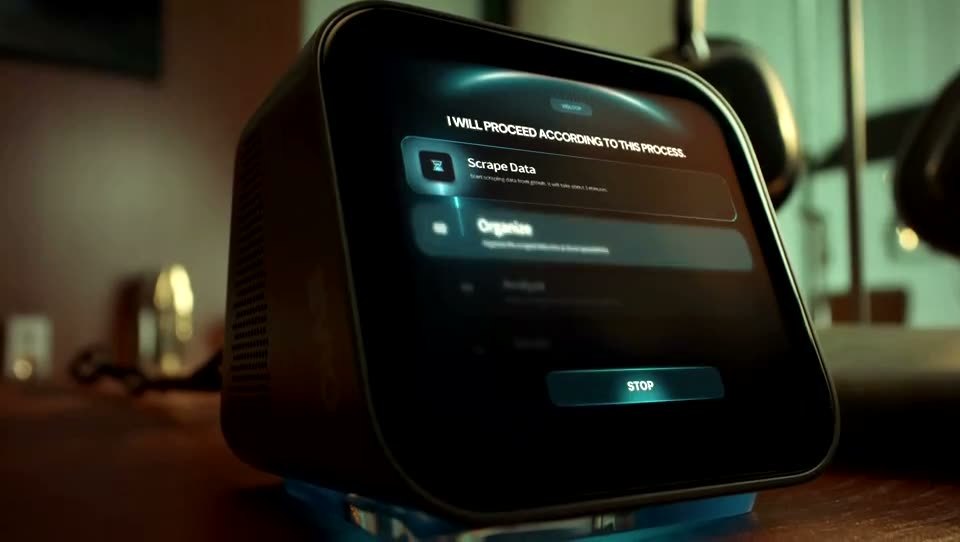
Violoop, also referred to as Violoop X or the V4 version, is a palm-sized desktop box, 90 by 92 by 80 millimetres and 450 grams, with a small AMOLED touchscreen on the front. It sits on the desk, plugs into the computer with USB-C, and taps the video signal on the way to the display.
| Parameter | Published value |
|---|---|
| Processor | RK3576 octa-core plus a dedicated AI accelerator, 26 TOPS |
| Memory | 13 GB total, 8 GB LPDDR4X plus 5 GB 3D-stacked DRAM |
| Storage | 128 GB eMMC 5.1 |
| Capture | HDMI 2.0 video input, up to 4K at 30 Hz, dual-monitor support |
| Control | USB-HID keyboard and mouse, driven by an STM32H563 security MCU |
| Display | On-device AMOLED touchscreen |
| Wireless | Dual-band Wi-Fi 2.4G and 5G, 802.11ac and ax, Bluetooth 5.2 |
| Power | 12 V |
| Body | 90 x 92 x 80 mm, 450 g |
| Host systems | Windows, macOS, Linux |
| Confirmation | A physical key; nothing executes without it |
The two USB-C ports on the back are labelled, and the box contains the device, a manual, a USB-C power cable and a USB-C to USB-C OTG cable. The vendor describes setup as about three minutes and says the process needs no code. On the host it registers as a standard keyboard and mouse, which is why there are no drivers to install and nothing to change in the operating system.
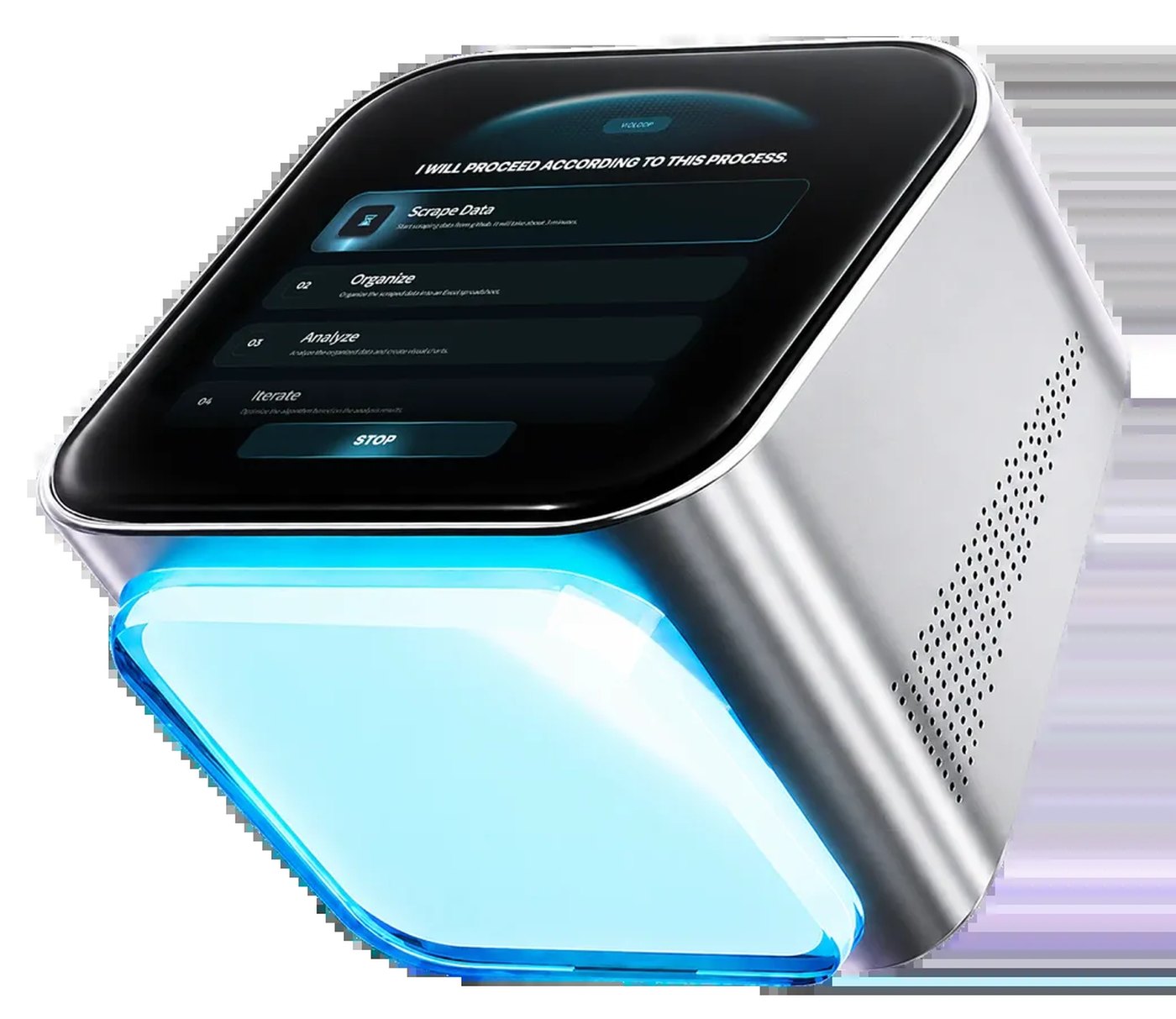
There is one hardware detail that explains the whole product category. The screen arrives over HDMI as a video signal rather than through a screen-recording hook, so the device does not need an application to cooperate. Anything you can see, it can see. Anything you can click, it can click.
Why it is hardware and not an app
The founder's argument for shipping a physical box is latency, and it is unusually specific. Using the strongest cloud model, he says, upload and return take at least 3.5 seconds, which is too slow once you have already moved on to the next thing. Violoop keeps the response under a second, or up to 1.5 seconds, by reading the screen with a model that lives on the device.
That model is a Qwen 8B Q4, running entirely locally. The vendor publishes a throughput comparison using the same model and the same precision under Ollama: about 53 tokens per second on the device against about 20 tokens per second on a Mac mini M4 with 16 GB of memory, which it characterises as 2.7 times faster. It also claims that keeping routine work local cuts unnecessary cloud calls by roughly 90 percent for quick questions and lookups, and by about 35 percent on coding and debugging.
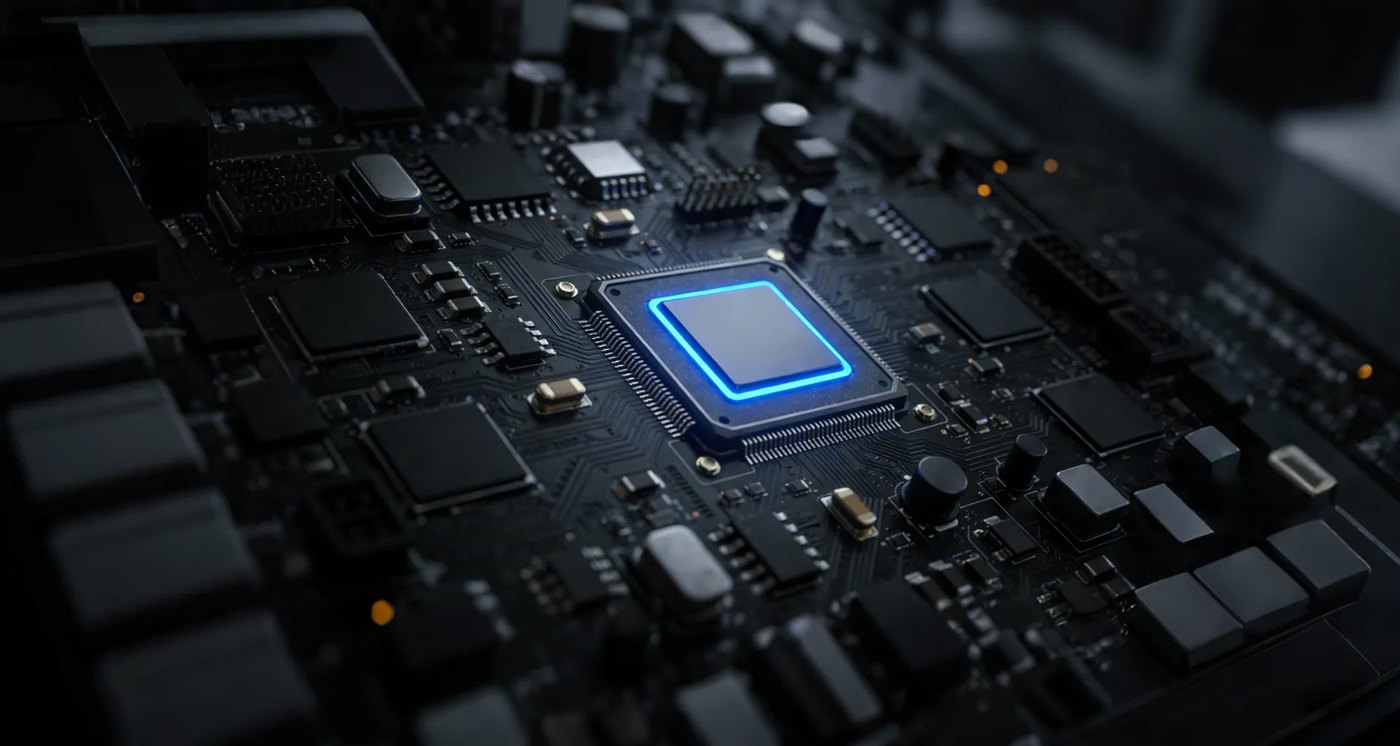
Two numbers put that in context. The accelerator is rated at 26 TOPS, and the device has been trained or tuned to work across more than 200 applications, with the visual system tested against more than 10,000 real software screens. Those are the vendor's figures, not measured ones here, but they describe the right problem: the hard part of a screen-native agent is not seeing pixels, it is knowing what a given interface means.
The four stages, and the gate
The mechanism is worth separating from the marketing, because the vendor publishes it as four named stages with a piece of hardware behind each one.
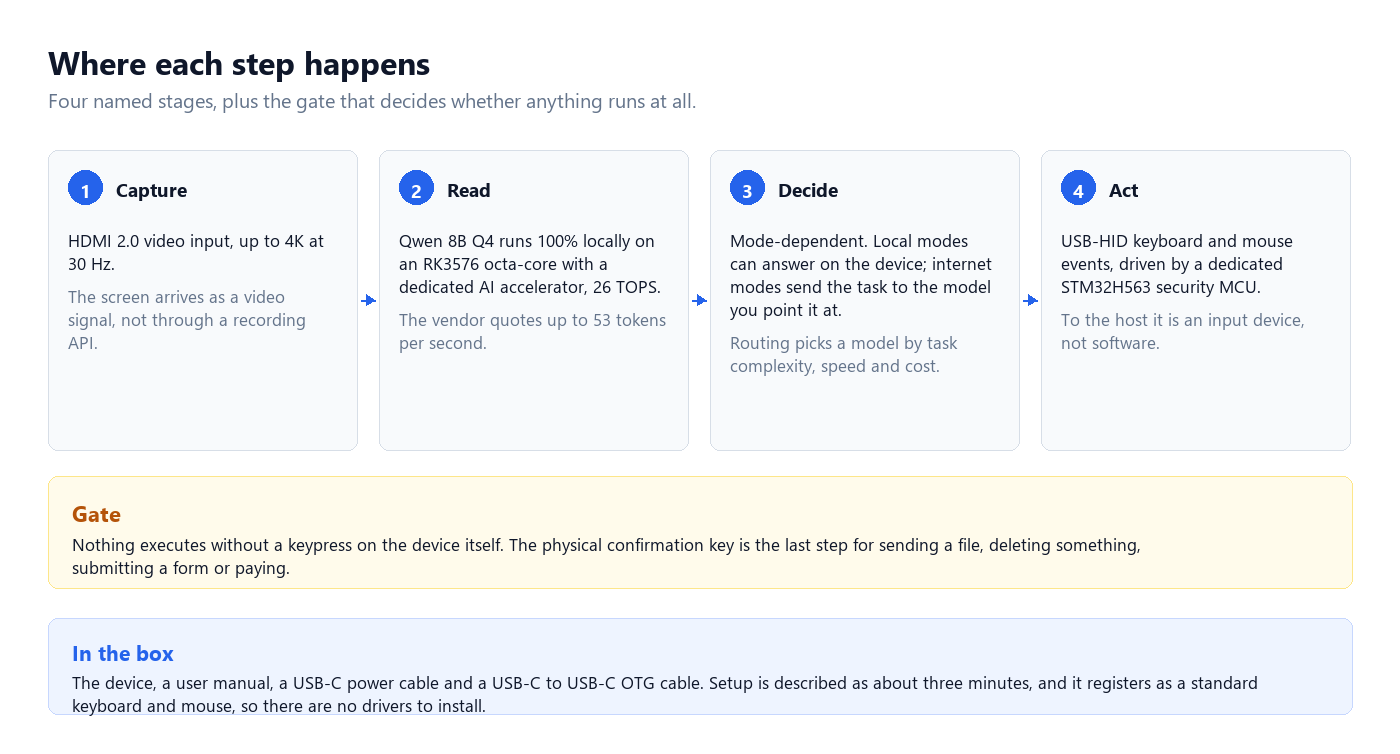
Capture happens over HDMI 2.0 at up to 4K and 30 Hz. Reading happens on the device, in the local Qwen model. Deciding is mode-dependent: local modes can answer without leaving the machine, while internet modes send the task to a model you point it at. Acting is delivered as USB-HID keyboard and mouse events from a dedicated STM32H563 security MCU, which is the same chip family that keeps the approval path separate from the perception and inference path.
The fifth element is not a stage but a gate: nothing executes without a keypress on the device. The vendor repeats this in every document, and it is the reason the product exists in the form it does rather than as a background service.
What stays on the computer
Privacy claims are usually where this category gets vague, and Violoop is worth reading carefully because its own two documents are not equally precise.
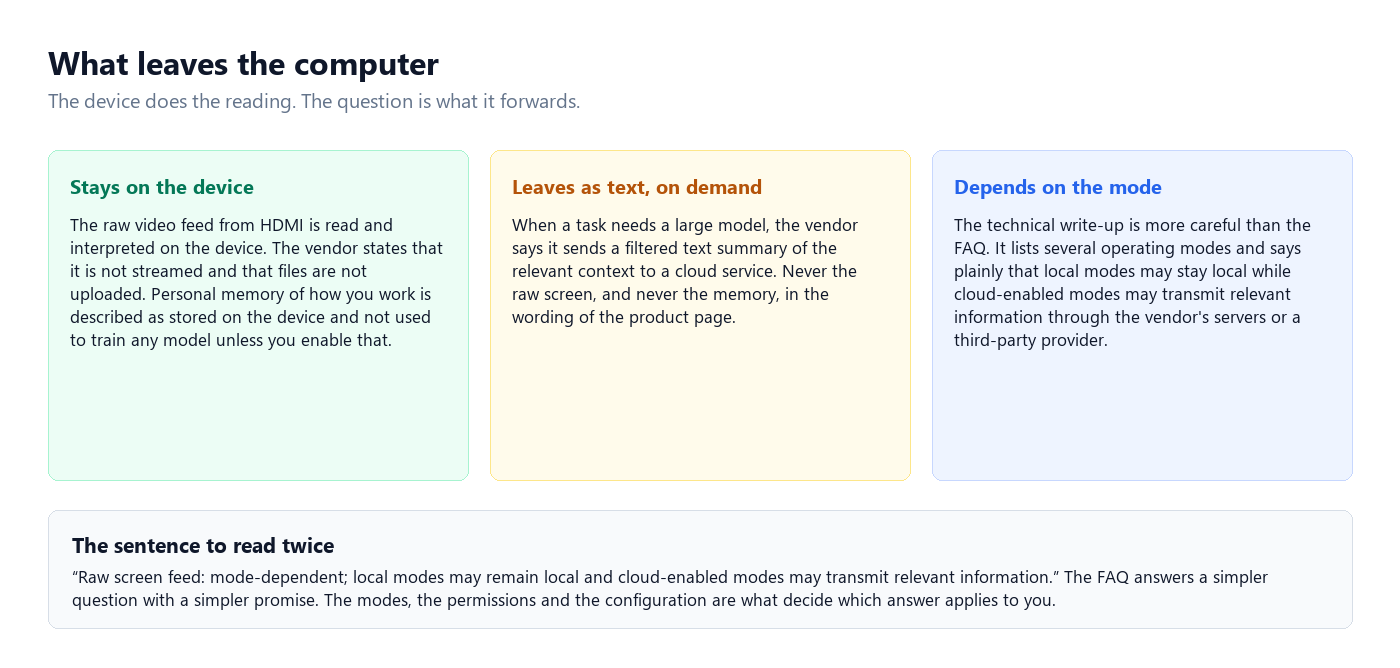
The friendly version is in the FAQ. It says the device reads and interprets the screen on the device itself, that the raw video feed never leaves it, that the screen is not streamed, and that files are not uploaded. For a task that needs a large model, the vendor says it sends a filtered text summary of the relevant context to a cloud service. Memory of how you work is described as stored on the device and not used to train any model unless you switch that on in settings.
The technical write-up is more careful and less absolute. It lists several operating modes, including a local AI mode, a local bring-your-own-key mode, a standard mode, a vendor cloud mode and an internet bring-your-own-key mode, and states that the raw screen feed is mode-dependent, that local modes may remain local, and that cloud-enabled modes may transmit relevant information through the vendor's servers or a third-party provider before reaching the provider you selected.
Both can be true at once, and the gap between them is the useful part. If the distinction matters for what you do on that computer, the mode and the permission settings are what decide which sentence applies to you.
Three ways it is meant to be used
The product page names three modes, and they differ mainly in how long you stay in the loop.
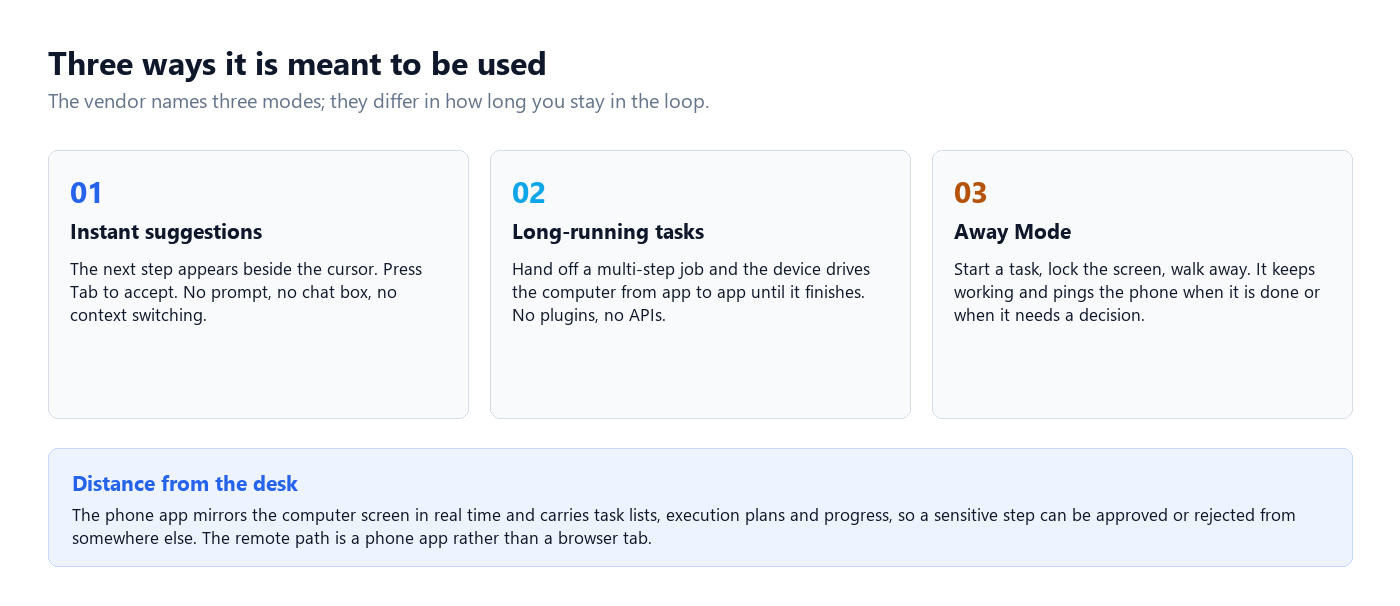
Instant suggestions put the next step beside the cursor and let you accept it with the Tab key, with no prompt and no chat window. Long-running tasks hand a multi-step job to the device and let it drive the computer from one application to another until it finishes. Away Mode is the one the vendor leads with: start a task, lock the screen, walk away, and get a notification when it is done or when it needs a decision.

The companion app is where the remote half lives. It mirrors the computer screen in real time and carries task lists, execution plans and progress, so a sensitive action can be approved or rejected from another room rather than from the desk.
The keypress is the product
The physical confirmation key is easy to dismiss as a gimmick until you list what the device is allowed to do: send a file, delete something, submit a form, move money. Those are exactly the operations you do not want an agent completing on a hunch.
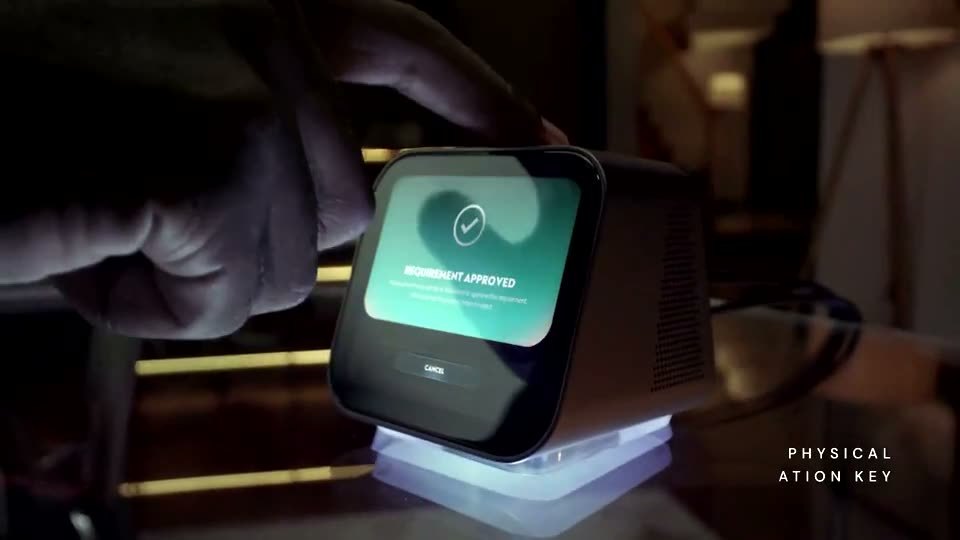
The vendor's stated design is to prepare rather than to act. It composes the full task across applications and then waits, and the security MCU that delivers the keyboard and mouse events is a separate chip from the one doing the perception. Whether that architecture holds up under real use is a different question from whether it is well described, and only shipping units will answer it.
Two ways to pay for the model
The hardware is the same whichever route you take; what changes is who supplies the model.
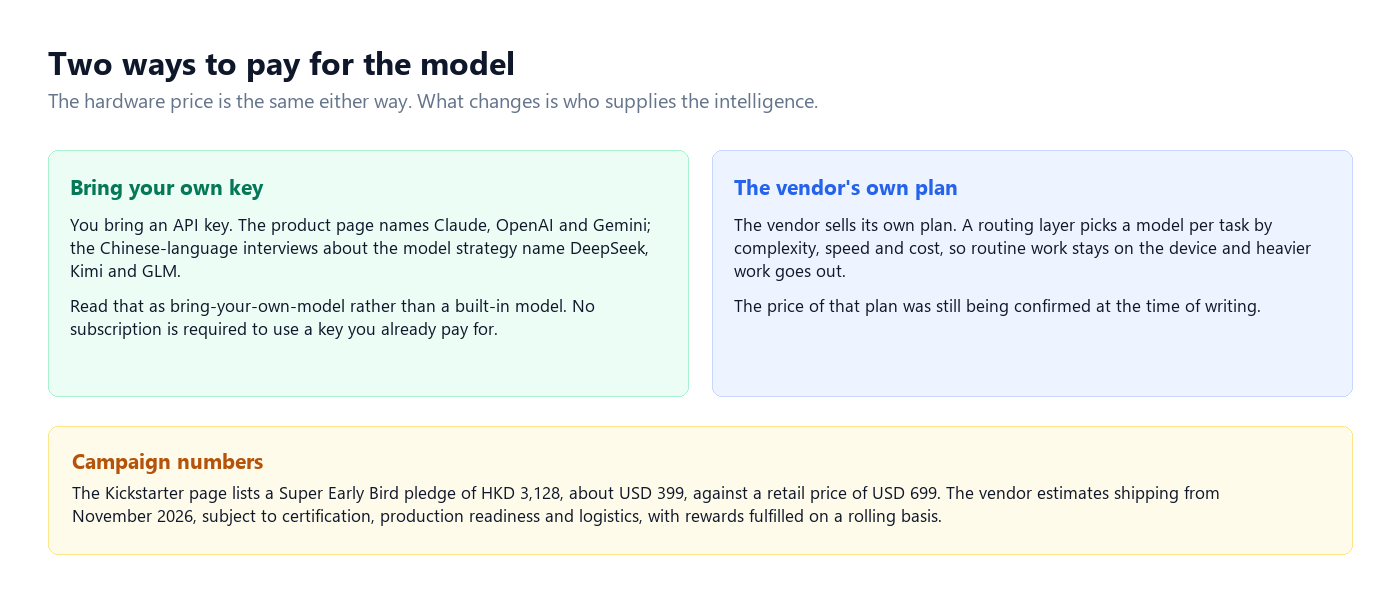
Bring your own key is the first option, and it is the honest reading of the phrase that circulates in Chinese-language coverage as "adapts to DeepSeek". The international product page names Claude, OpenAI and Gemini as the keys you can bring. The founder's interviews about model strategy name DeepSeek, Kimi and GLM among the models a user can plug in without buying a subscription. So the device is best understood as bring-your-own-model rather than as having a particular model built in. The second option is the vendor's own plan, where a routing layer picks a model per task by complexity, speed and cost. The price of that plan was still being confirmed when the coverage was written.
The commercial shape matters here. The startup sells the hardware and then sells software and model services on top, and it says it will not force a subscription on someone who already has keys. Its own model work is split in two directions, one for understanding and decomposing tasks and one for executing them, with the expectation that some routine work migrates onto its own models over time.
The company and the campaign
Violoop is built by Bvio Tech, the trading name of a Shenzhen company registered in December 2025. The team raised an angel and pre-A round in the hundreds of millions of yuan within about half a year, with Lenovo Capital, CICC Porsche, BlueRun Ventures, YS Venture Capital, Qifu Capital and Zero2IPO Ventures among the investors, and Xiangyang Capital as financial adviser.
The Lenovo relationship goes beyond money. The two signed a group-level strategic cooperation framework covering how Violoop works with Lenovo's PC and AI PC products, joint proofs of concept on agents and models, and licensing of software capability. For a startup selling an accessory that makes an existing computer agent-ready, being inside a large PC maker's roadmap is the most direct route to scale.
The campaign ran on Kickstarter under the project name Violoop, plug-in AI for your computer. It went live on 15 September and, on the reported figures, passed one million US dollars in about twenty hours. Later reporting put the total above 1.67 million dollars with more than three thousand backers. The founder separately said around 12,000 overseas users had paid deposits, and that the audience is not mainly engineers: more than half were founders, agency owners or small business operators, with about 30 percent self-described tech enthusiasts. Mass production preparation was underway with a target of 5,000 to 8,000 units in the first batch.
The pledge tiers are the usual crowdfunding shape. The Super Early Bird pledge is HKD 3,128, about 399 US dollars, against a retail price of 699 US dollars. Shipping is estimated to start in November 2026, subject to certification, production readiness and logistics, with rewards fulfilled on a rolling basis.
What to be sceptical about
The risks section on the campaign page is more forthcoming than most. It names component availability, manufacturing yield, certification, quality control and production scheduling as hardware risks, and compatibility as a software risk, noting that different operating systems, display settings, interfaces and legacy tools behave differently. It also concedes that the AI may misunderstand a task or suggest an imperfect action, which is the stated reason approval sits at the centre of the design.
Three things deserve their own scepticism. The latency comparison is a vendor measurement on a specific model and precision, useful as a claim about direction rather than as a benchmark. The 200-application figure describes tuning, not coverage, and the interesting failures in this category are the applications nobody thought to test. And the privacy story genuinely depends on mode, permissions and configuration, so the marketing sentence and the technical sentence will not always be the same sentence.
There is also a plainer question. The device is a second computer on the desk whose job is to operate the first one, and its value depends on how often you actually hand work over rather than doing it yourself. Some owners of an always-on assistant find they stop using it within a month; others find it becomes the first thing they open. That is a personal threshold, not a specification.
Before you buy
- Decide whether you want the assistant or the agent. A chat window answers questions. This is built to complete work in applications, which is a different promise and a different set of failure modes.
- Check the shipping estimate, not the pledge price. The 399 dollar tier is a crowdfunding pledge, and the vendor's own timeline is November 2026 onwards, conditional on certification and production.
- Understand that bring-your-own-key is the default path. The device runs a local model for screen reading, but heavier tasks go to a provider of your choosing, and the vendor's own plan price was still being confirmed.
- Read the modes before you read the FAQ. What may leave the computer depends on which operating mode you configure, and the two documents describe that differently.
- Plan for compatibility work. Windows, macOS and Linux are supported, but the campaign page itself warns that legacy tools and unusual display setups behave differently.
- Do not treat approval as a formality. The keypress is the safety property, not friction to be automated away.
IOTTourChina covers open-source IoT hardware and the silicon behind it as part of its developer resource. This is editorial coverage, not an endorsement or an advertisement; specifications, availability, licensing and pricing should be confirmed with the vendor before you buy or build.