Connector tested with simulated data
SNZB-06P presence events over MQTT
Physical hardware and firmware have not been tested.
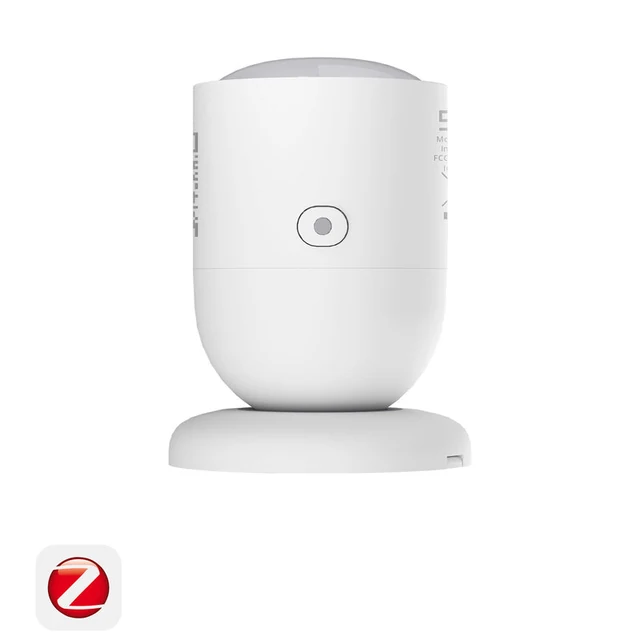
Presence Sensors
Zigbee presence sensor using microwave radar to detect moving and stationary occupants.
Capabilities below are vendor-documented. We have not tested this device or its integrations.
Sources checked:
Connector tested with simulated data
Physical hardware and firmware have not been tested.
This profile is based on official documentation, not our own device testing.
A mains-powered Zigbee 3.0 sensor that reports whether a person is present in a room. It uses 5.8 GHz microwave sensing rather than a PIR element, so it keeps reporting after the occupant stops moving.
The device publishes four attributes and nothing else: occupancy, an occupancy timeout, a three-step sensitivity setting and a dim or bright illumination category. There is no distance, no gate energy, no zone and no coordinate in that list.
The official Zigbee2MQTT page publishes three sensitivity levels: low, medium and high. It does not publish a metre figure for each level, and a number quoted from a vendor app is not a published interface.
Tune with the levels, then confirm the result in the room. The distance-gate workflow does not apply here, because this device exposes no gates.
Read the quick start for the pairing sequence, and the MQTT chapter for the topics and the availability check. For the difference between this sensor and a zone-capable one, read the presence sensor comparison.
This profile is based on official documentation, not our own device testing.
This sequence takes one sensor from the box to a readable occupancy topic. It assumes a coordinator that already runs Zigbee2MQTT or a Zigbee integration in Home Assistant.
Check the model marking and the coordinator firmware before joining anything. The sensor is powered over USB, so the first question is where the cable will reach, not which battery to buy.
Plug the sensor into USB power at the position where it will stay. Because the device joins the network from that spot, mounting first and pairing second avoids a second walk with a laptop.
Give it a minute. A sensor that was joined to another network earlier may need to be removed from that network first.
In Zigbee2MQTT, enable permit-join and keep it open for the pairing attempt, not for the afternoon. In Home Assistant with a native Zigbee stack, start the add-device flow instead.
Trigger the pairing mode according to the vendor instructions, then watch the join log. Name the device at join time. The friendly name becomes the MQTT topic segment, so renaming later moves every topic your automations already point at.
Open the device page and confirm that occupancy, occupancy timeout, sensitivity and illumination all report. Then walk in front of the sensor and watch the occupancy value change.
If occupancy never changes, the problem is upstream of the automation: check the join log, the distance to the nearest router and the coordinator firmware.
The occupancy timeout decides how long occupancy stays true after the sensor clears. Raise it if the light drops out while somebody is reading. Lower it if the room stays lit after everyone leaves.
Change one attribute at a time and note the old value first.
The illumination attribute is a dim or bright category, updated when occupancy is detected. It is not a lux reading and it is not periodic, so it cannot drive a light-level automation that expects a measurement.
Occupancy false and device offline are different states. Enable device availability in Zigbee2MQTT so a dead sensor reports offline instead of looking like an empty room.
The MQTT chapter covers the topic layout, the set commands and the availability configuration in detail.
This profile is based on official documentation, not our own device testing.
No. The device publishes an occupancy state, not a count. Several people in the field look like one occupied room.
No. Distance, gate energy and coordinates are absent from the published attribute list. That is a different device class, and the module comparison chapter lists which parts do publish them.
That is the reason to choose microwave sensing over PIR. The vendor documents presence detection for a stationary occupant. It is a documented capability, not a measurement we have reproduced.
No. The published interface offers low, medium and high. Any metre figure for those levels comes from a vendor app, not from the bridge contract, so do not design an installation around it.
No. It is powered over USB. The trade is a cable to the mounting point, which is the usual reason this sensor ends up near a socket rather than on the ceiling.
5.8 GHz passes plastic, glass and thin panels. A sensor pointed at a partition is measuring the space behind it. Mount and angle the device as if the field can see through the surface.
Check the occupancy timeout first; it holds the state after the sensor clears. If the timeout is short and the state still holds, something in the field is moving: a fan, a curtain or a door.
Treat it as an end device. A coordinator does not gain a router because a sensor is mains-powered, and the published material does not describe this model as a repeater.
The Zigbee2MQTT device page documents the four attributes and the configuration options. For other stacks, check that the platform lists this exact model before planning the automation.