Any ESP chip as a wireless CMSIS-DAP probe: 100 KB flashed in 4 minutes 24 seconds
A wireless debug probe is one of those things you do not buy because you resent the cable, then use every day once it exists. This project turns any ESP chip — ESP8266, ESP32, ESP32-C3 or ESP32-S3 — into a CMSIS-DAP v2 probe that reaches the target's SWD or JTAG port over Wi-Fi and appears to the host as a local USB device through USBIP.
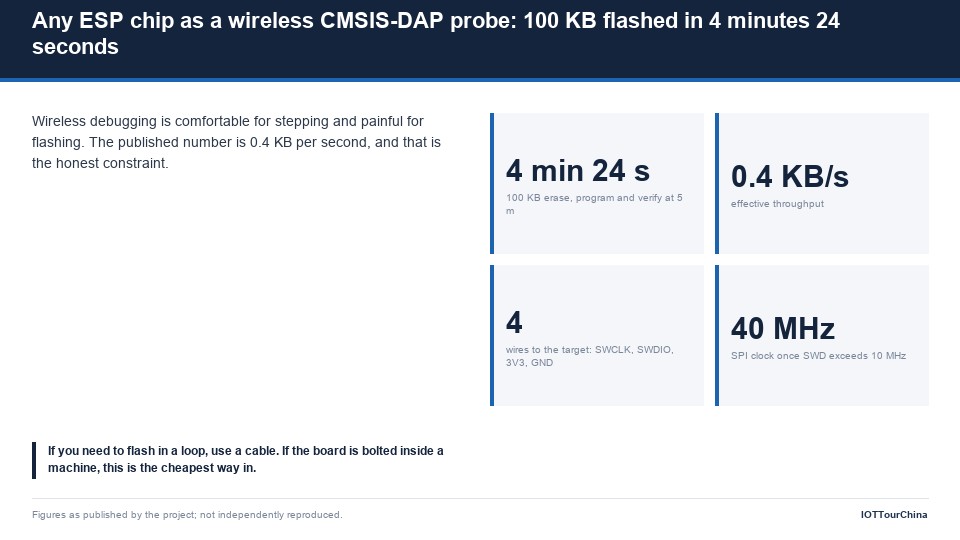
The measured number matters more than the concept: flashing a 100 KB firmware over a 5 m link, erase, program and verify, took 4 minutes 24 seconds. That is about 0.4 KB/s. Stepping through code and reading registers is comfortable; repeatedly reflashing a large image is not.
What it actually does
The ESP runs a CMSIS-DAP v2 stack, so it speaks the same protocol as a wired DAPLink. USBIP carries that protocol over TCP and the host side re-exposes it as a virtual USB device, which is why Keil, OpenOCD and pyOCD do not need to know that the probe is not plugged in.
| Feature | Detail |
|---|---|
| Transport | SWD and JTAG, CMSIS-DAP v2 |
| USB channels | USB-HID, WCID and WinUSB, WinUSB by default |
| Speed, ESP8266 | about 2 MHz ceiling with bit-banged IO |
| Speed, above 10 MHz | switches to hardware SPI at 40 MHz clock |
| Serial bridge | UART over TCP; send a text packet such as 115200 to change baud |
| Network | default AP SSID DAP (OTA mode OTA), password 12345678, or several configured WLANs |
| Discovery | mDNS, dap.local |
| Licence | MIT, roughly 700 stars, Chinese documentation included |
The 2 MHz versus 40 MHz split is the detail worth reading twice. Driving SWD by toggling GPIO on an ESP8266 caps out around 2 MHz, which is slow but workable for a Cortex-M0. Above 10 MHz requested, the firmware switches the SWD lines onto hardware SPI running at a 40 MHz clock, which is a different mechanism with different timing behaviour — not just a higher number in a settings dialog.
Three ways to use it, and which one to pick
- Classic USBIP. Run usbip-win on the PC, attach the remote device, then use OpenOCD, pyOCD or Keil as normal. Most general, most moving parts.
- elaphureLink. A companion host tool from the same author that talks to the probe directly. No USBIP, no driver installation, Keil drives it as a debugger. This is the one to try first if you live in Keil.
- elaphure-dap.js. Flash an ARM Cortex-M board from a browser, with no IDE running at all.
Wiring is four signals: SWCLK, SWDIO, TVCC at 3.3 V and GND. On an ESP8266 these land on GPIO14 and GPIO13. The reference schematic puts 150 Ω in series on the signal lines; plain jumper wires also work, which is how most people will build the first one.
The failure mode nobody mentions
The bottleneck is TCP, which means the probe inherits the network's behaviour. The README calls out two specific offenders: Dropbox LAN sync and Logitech Arx, both of which emit broadcast traffic that causes stalls and dropped packets. On a laptop hotspot — the obvious way to use this at a desk — the effect is most visible. The suggested diagnostic is to capture packets while the link is idle and confirm the network is silent before blaming the probe.
That is a general lesson about any wireless debug path: a 4-minute flash is not slow because Wi-Fi is slow, it is slow because the transfer is chatty and every retransmit costs a round trip. If you need to flash in a loop, use a cable. If you need to step through an interrupt handler on a board that is bolted inside a machine, this is the cheapest way to get there — one ESP module you already have, no dedicated probe to buy.
Project: windowsair/wireless-esp8266-dap on GitHub.